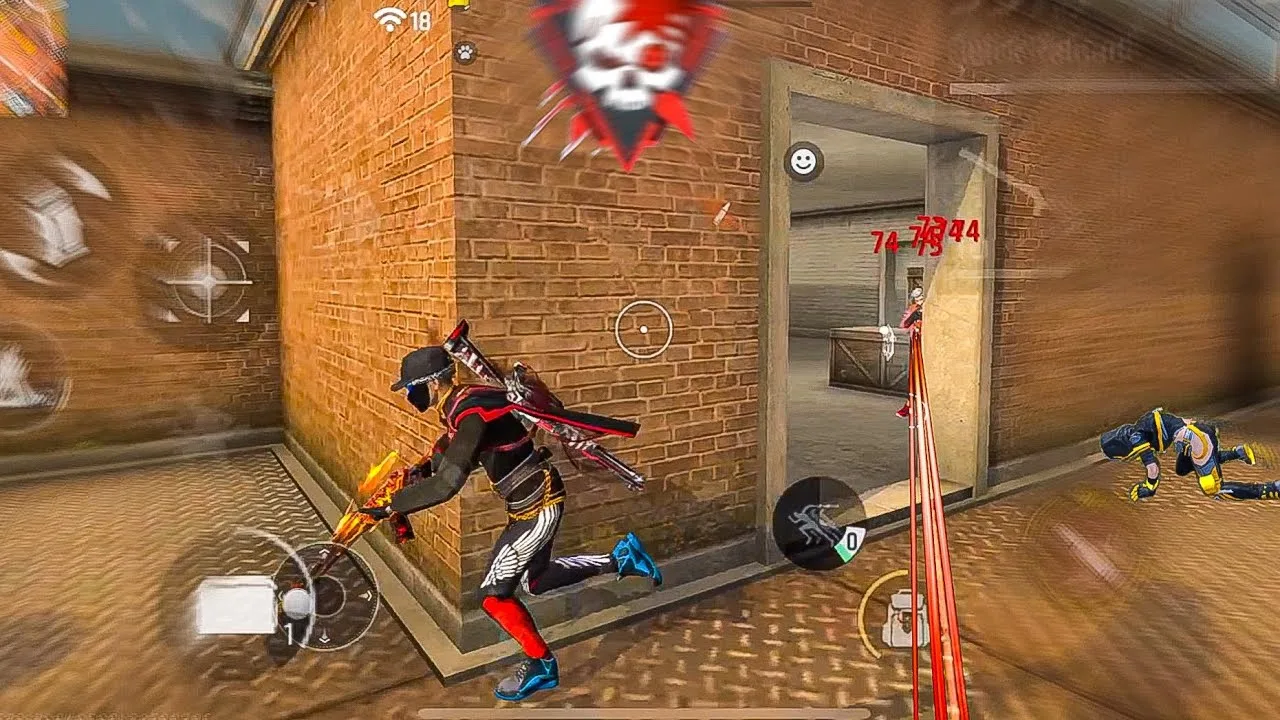
Sensitivity settings in FF Kipas Orange control how fast your view and aim respond when you swipe on the screen. Higher values make movement quicker and turns sharper, while lower values make aim steadier and easier to control in small adjustments.
Most players copy numbers from someone else and then wonder why the aim feels wrong. Sensitivity only works when it matches your device, your grip, and your reaction speed, which is why understanding each control through FF Kipas Orange panel for Android matters more than copying a famous setup.
What Each Sensitivity Control Actually Does
General sensitivity governs overall camera movement when you look around without aiming, so it decides how quickly you can scan, turn, and react to sound cues. Scope sensitivities control movement while aiming down sights, and each scope level behaves differently because magnification changes how large a swipe feels.
Red dot and close-range values affect the fights you take most often, so they deserve the most testing time. Long-range scope values matter less for many players, yet setting them carelessly still shows up as shaky aim whenever a distant fight forces you to zoom in.
How Sensitivity and DPI Work Together
Sensitivity does not act alone. Your DPI choice changes how much movement your touch input registers, which means the same sensitivity number can feel fast on one DPI and slow on another. Changing both at once makes it impossible to know which one improved or ruined your aim.
A sensible order is to settle DPI first, leave it alone, and then tune sensitivity in small steps. That sequence gives you one moving part at a time and a clear cause for every change you feel during testing.
Finding Your Range Step by Step
Start from the middle of each slider rather than the extremes. Play a short training session, then move one slider up or down by a small amount and test again. If you overshoot targets, lower the value slightly; if you cannot reach targets fast enough, raise it slightly.
Players who want their settings to support drag shots and close-range flicks should also read the FF Kipas Orange headshot settings tips after this basic tuning, because headshot technique builds on a stable base rather than replacing it.
Signs Your Sensitivity Is Wrong
Constantly swiping twice to finish a turn usually means general sensitivity is too low. Aim that jumps past enemies with every small touch usually means it is too high. Shaking while tracking a moving target often points to scope sensitivity that needs a small reduction.
Another clear sign is inconsistency: good aim in one match and poor aim in the next, on the same settings, often means the values sit right at the edge of what you can control. Moving slightly toward the steadier side usually produces more reliable results.
Testing Changes the Right Way
Every change deserves a fair test, and the fairest test is a repeatable one. Use the same training routine each time: turns, target switches, and a few moving-target tracks, so you compare settings rather than moods. The method in the testing FF Kipas Orange settings in training mode guide shows how to structure that routine.
Keep notes as you go, even simple ones. Writing down the value you tried and how it felt stops you from circling back to numbers you already rejected, and after a few sessions a clear personal range appears.
Putting It Into Practice
Putting understanding and tuning sensitivity settings into practice works best as a short, repeatable routine rather than a one-time effort. Set aside a calm session where you are not chasing wins, work through the points in this guide in order, and check each result on your own phone before moving to the next one. Most users discover that the first careful pass already removes the biggest problems, because the issues behind understanding and tuning sensitivity settings are usually ordinary ones: a value changed without testing, a permission quietly reset, a phone short on storage, or a habit copied from another player whose device and grip are nothing like yours. Treat anything you cannot verify as unfinished, and verify it in training before you trust it in a ranked match where mistakes cost more than time.
Keep a small written record as you go, noting what you changed, what you expected, and what actually happened, because understanding and tuning sensitivity settings becomes far easier the second and third time when the first attempt is documented instead of remembered. Share the routine with patience as well: give every change at least a few normal sessions before you judge it, since first impressions on a new setup are often wrong in both directions, feeling worse than it is on day one and better than it is after one lucky match. Players who build this kind of calm, documented habit improve steadily and troubleshoot calmly, while players who change things in a rush keep meeting the same problems in new forms. The goal is a setup you understand well enough to rebuild, adjust, and trust without thinking about it during the moments that decide a match, and that confidence is worth far more than any single copied number or hurried shortcut you will ever be offered.
Final Thoughts
FF Kipas Orange sensitivity settings are personal settings, not universal answers. Understand what each slider controls, tune one thing at a time in small steps, and let repeated training tests rather than copied numbers decide your final values.
Once your range feels stable across several days of play, stop chasing changes. Consistent settings build muscle memory, and muscle memory is what actually turns decent aim into reliable aim over time.