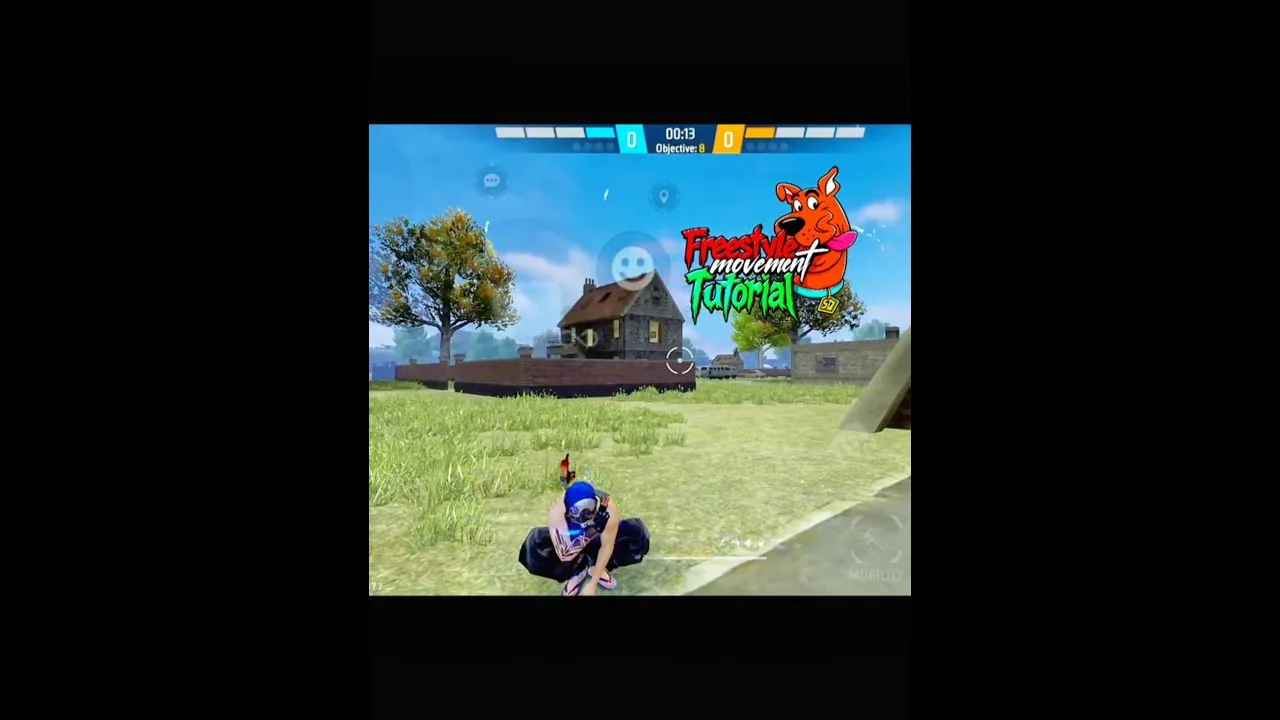
Running FF Kipas Orange on a low-end phone means sharing limited memory, storage, and processing power between the game, the panel, and Android itself. Smooth play on such a device comes from reducing competition for those resources rather than pushing settings higher.
None of these tips requires a new phone. They require honest expectations, a tidy device, and settings chosen for stability, which is why this guide starts from a clean install through FF Kipas Orange mobile panel and builds up small habits that together make a visible difference.
Free Storage and Close Background Apps
Keep a healthy block of free storage at all times, because Android slows down sharply when storage is nearly full and apps begin competing for the last space. Removing unused apps, old downloads, and cached video files is the cheapest performance upgrade available.
Before a session, close apps you are not using, especially browsers, social apps, and anything playing media. On a low-end phone every background app holds memory the game and panel could be using, and freeing it costs nothing but a few seconds.
Choose Lighter Settings Deliberately
Prefer moderate sensitivity and DPI values and a simple overlay layout. Extreme values and crowded panels give a weak processor and a small screen more to handle, and the smoothness you lose costs more fights than the settings win.
Check how your device compares in the FF Kipas Orange device compatibility guide so your targets are realistic. A phone near the minimum line can still play well, but only when every other choice respects that limit instead of pretending it is not there.
Manage Heat During Long Sessions
Heat is the silent performance killer on budget phones. As the device warms up, the processor slows itself down to stay safe, and stutter that was absent in the first match appears by the fourth. Short breaks between matches genuinely restore performance.
Play away from direct sunlight, remove a thick case if the phone gets hot, and avoid charging while playing when you can, because charging adds its own heat. These small habits stretch the period before throttling begins more than most players expect.
Keep the System and App Tidy
Clear the cache of heavy apps occasionally, restart the phone every few days, and keep the panel updated so fixes and optimisations reach your device. A phone that has run for weeks without a restart often feels like different hardware after one.
Avoid installing cleaner or booster apps that promise dramatic speed. Many of them consume the very memory they claim to free and can interfere with permissions, leaving the device slower and the panel less reliable than before.
Recognise and Reduce In-Game Lag
Learn to tell device stutter from connection trouble, because they need different responses. Frame drops when turning or entering busy areas point to the device, while delayed responses with smooth visuals point to the network.
When stutter appears mid-session, apply the steps in the how to fix lag while using FF Kipas Orange guide in order rather than changing settings randomly. A calm sequence of checks will find the cause faster and keeps your good settings intact while you fix the real problem.
Putting It Into Practice
Putting getting smooth performance from a low-end phone into practice works best as a short, repeatable routine rather than a one-time effort. Set aside a calm session where you are not chasing wins, work through the points in this guide in order, and check each result on your own phone before moving to the next one. Most users discover that the first careful pass already removes the biggest problems, because the issues behind getting smooth performance from a low-end phone are usually ordinary ones: a value changed without testing, a permission quietly reset, a phone short on storage, or a habit copied from another player whose device and grip are nothing like yours. Treat anything you cannot verify as unfinished, and verify it in training before you trust it in a ranked match where mistakes cost more than time.
Keep a small written record as you go, noting what you changed, what you expected, and what actually happened, because getting smooth performance from a low-end phone becomes far easier the second and third time when the first attempt is documented instead of remembered. Share the routine with patience as well: give every change at least a few normal sessions before you judge it, since first impressions on a new setup are often wrong in both directions, feeling worse than it is on day one and better than it is after one lucky match. Players who build this kind of calm, documented habit improve steadily and troubleshoot calmly, while players who change things in a rush keep meeting the same problems in new forms. The goal is a setup you understand well enough to rebuild, adjust, and trust without thinking about it during the moments that decide a match, and that confidence is worth far more than any single copied number or hurried shortcut you will ever be offered.
Final Thoughts
Low-end phones reward players who keep things light: free storage, few background apps, moderate settings, and managed heat. Each habit is small, but together they decide whether FF Kipas Orange feels frustrating or perfectly playable.
Revisit these basics whenever performance slips. Most slowdowns creep in gradually as storage fills and apps accumulate, so a monthly tidy-up keeps your device near its best without spending anything at all.