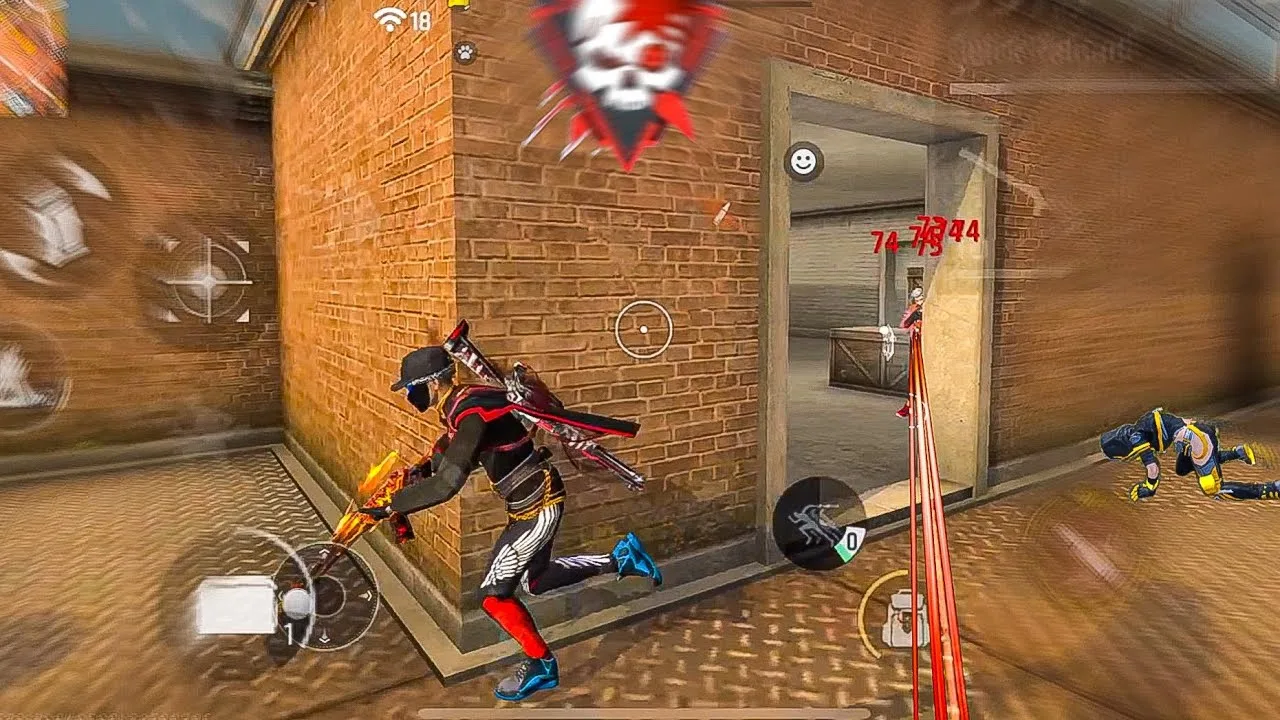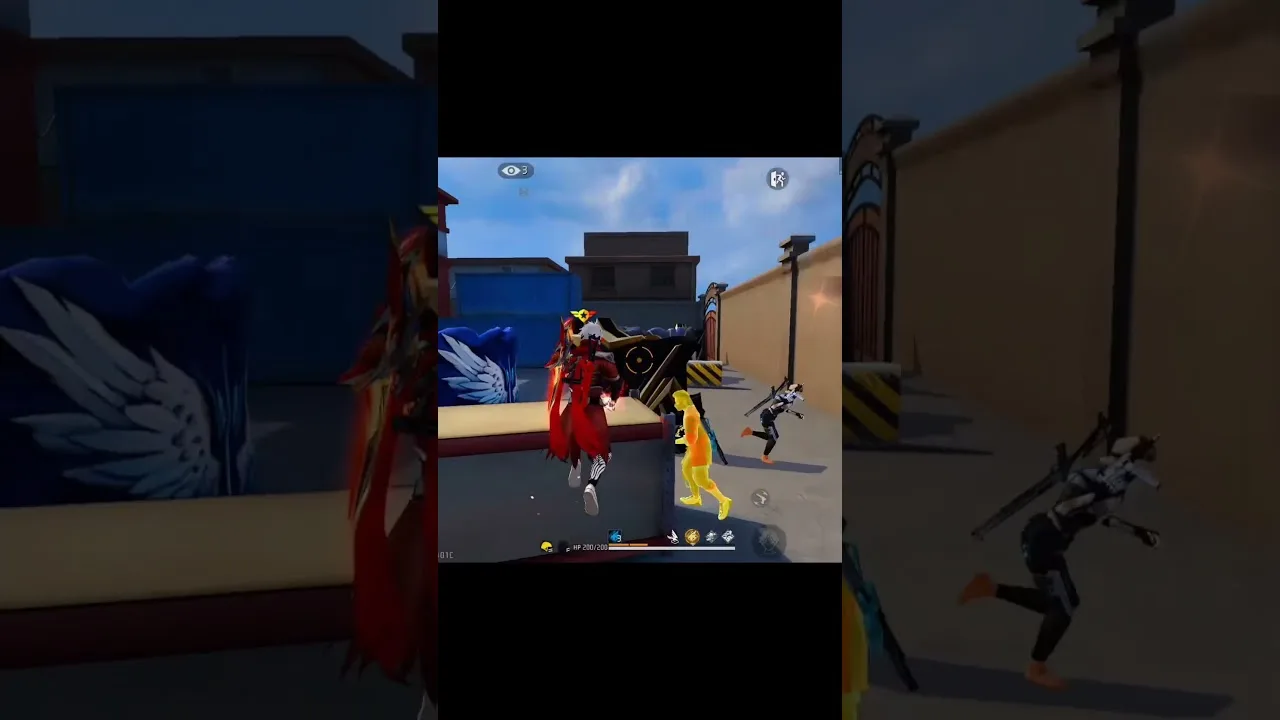
Overlay settings in FF Kipas Orange control the floating panel that appears above your game: where it sits, how large it is, how visible it stays, and how quickly you can reach it during a match. A well-arranged overlay helps you; a badly arranged one covers enemies, blocks buttons, and gets in the way at the worst moments.
This guide treats the overlay as screen furniture that must earn its space. Set it up deliberately after installing through FF Kipas Orange Android utility, and judge every position by whether you can see and reach everything that matters.
Position: Keep the Edges, Respect the Centre
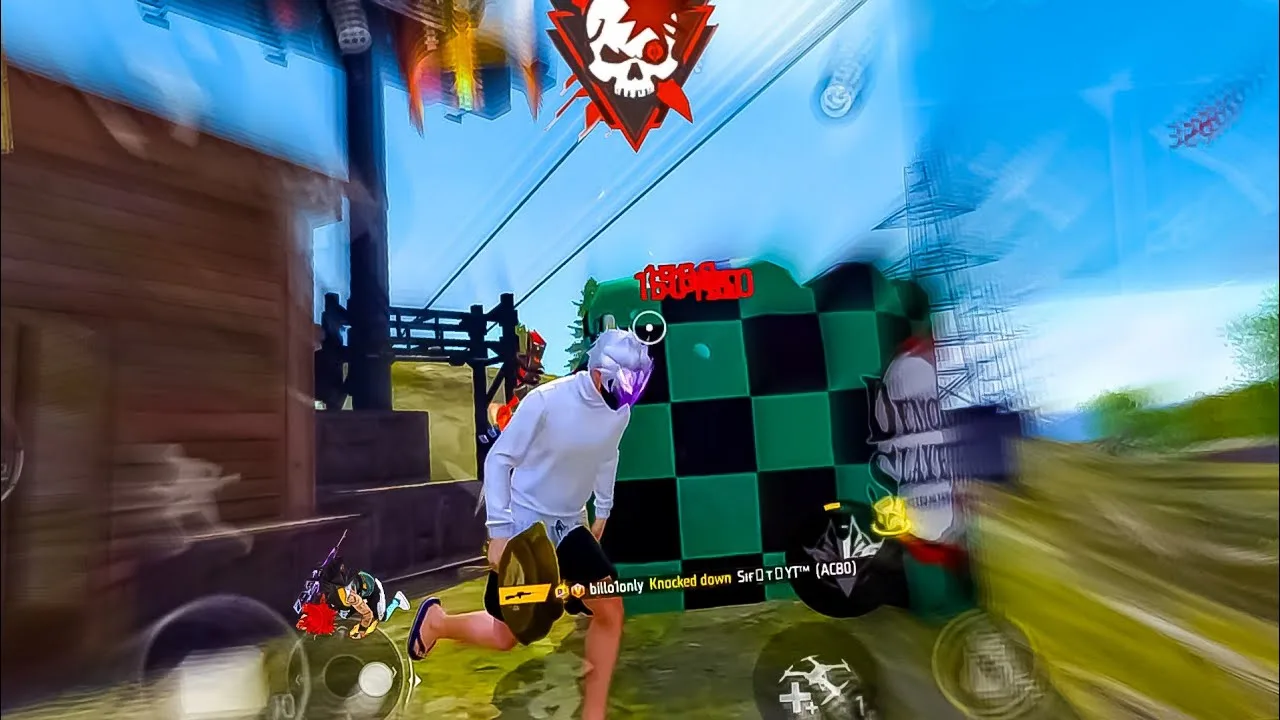
The centre of the screen is your fighting view and should stay completely clear. Place overlay elements toward the edges and corners you use least, and keep them away from the fire, jump, and movement controls your thumbs already own.
Test a position in a real training session rather than judging it on a still screen. Elements that look harmless while standing still can cover exactly the doorway or corner you need to watch once a fight starts moving.
Size and Reachability
Overlay controls should be large enough to tap accurately under pressure and small enough to leave the screen readable. If you regularly miss the panel button or hit the wrong item, size is the first thing to increase, before you blame your aim or your reflexes.
Place the main trigger where your thumb naturally rests or passes, not in a corner that demands a stretch. In fast fights, reach is everything: a control you cannot hit without looking at it is a control you effectively do not have.
Transparency and Visibility Balance
Lower transparency keeps the panel discreet but can make it hard to find in bright scenes; higher visibility is easier to locate but more distracting. Most players settle somewhere in the middle and adjust slightly for bright or dark maps.
Avoid changing this constantly. Your eyes learn where a consistently visible panel lives, and that learned glance is fast. A panel that keeps changing appearance forces a fresh search every time, which is exactly what you cannot afford mid-fight.
Finding Overlay Options and Permissions
Overlay-related choices are grouped with the panel's display options; if you are unsure where a control lives, the FF Kipas Orange main sections guide maps every area so you can find size, position, and visibility settings without hunting through unrelated screens.
Remember that the overlay only exists because of the display permission. If the panel never appears at all, check the approvals described in the FF Kipas Orange permissions and safety settings guide before touching layout settings, because no layout survives a missing permission.
Layouts for Different Screens and Grips
Small screens need minimal layouts: the main trigger and only the items you truly use in a match. Large screens can carry more, but more is not better by default; every extra visible element competes with the game for your attention.
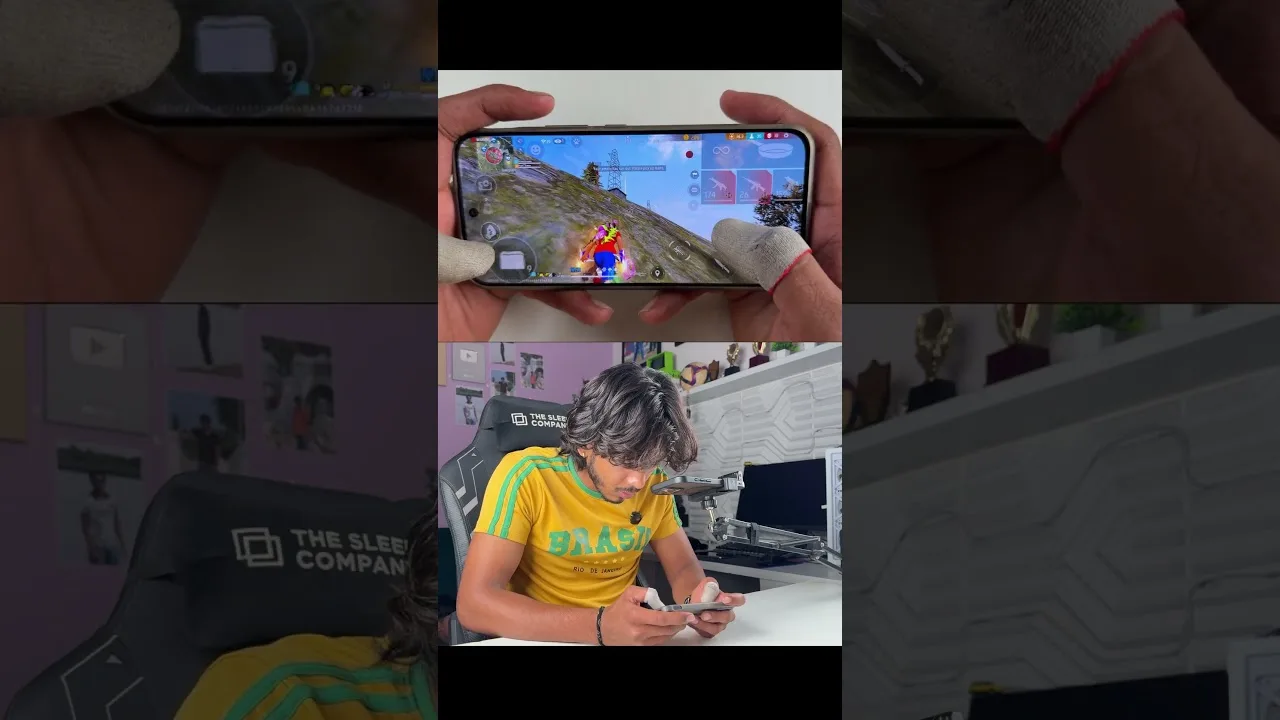
Two-finger and multi-finger grips also change what reachable means. Arrange the overlay around your actual grip by holding the phone as you play and noticing where your fingers never go, then use those dead zones for panel items you need rarely.
Putting It Into Practice
Putting arranging overlay settings for real matches into practice works best as a short, repeatable routine rather than a one-time effort. Set aside a calm session where you are not chasing wins, work through the points in this guide in order, and check each result on your own phone before moving to the next one. Most users discover that the first careful pass already removes the biggest problems, because the issues behind arranging overlay settings for real matches are usually ordinary ones: a value changed without testing, a permission quietly reset, a phone short on storage, or a habit copied from another player whose device and grip are nothing like yours. Treat anything you cannot verify as unfinished, and verify it in training before you trust it in a ranked match where mistakes cost more than time.
Keep a small written record as you go, noting what you changed, what you expected, and what actually happened, because arranging overlay settings for real matches becomes far easier the second and third time when the first attempt is documented instead of remembered. Share the routine with patience as well: give every change at least a few normal sessions before you judge it, since first impressions on a new setup are often wrong in both directions, feeling worse than it is on day one and better than it is after one lucky match. Players who build this kind of calm, documented habit improve steadily and troubleshoot calmly, while players who change things in a rush keep meeting the same problems in new forms. The goal is a setup you understand well enough to rebuild, adjust, and trust without thinking about it during the moments that decide a match, and that confidence is worth far more than any single copied number or hurried shortcut you will ever be offered.
Final Thoughts
Good overlay settings disappear into your routine: reachable in a moment, invisible the rest of the time. Position at the edges, size for accuracy, visibility in the middle range, and a layout matched to your screen and grip will get you there.
After arranging everything, play several full sessions before judging. If you need the current build again at any point, it is listed on the download page, and a saved note of your layout choices makes any future setup take minutes.