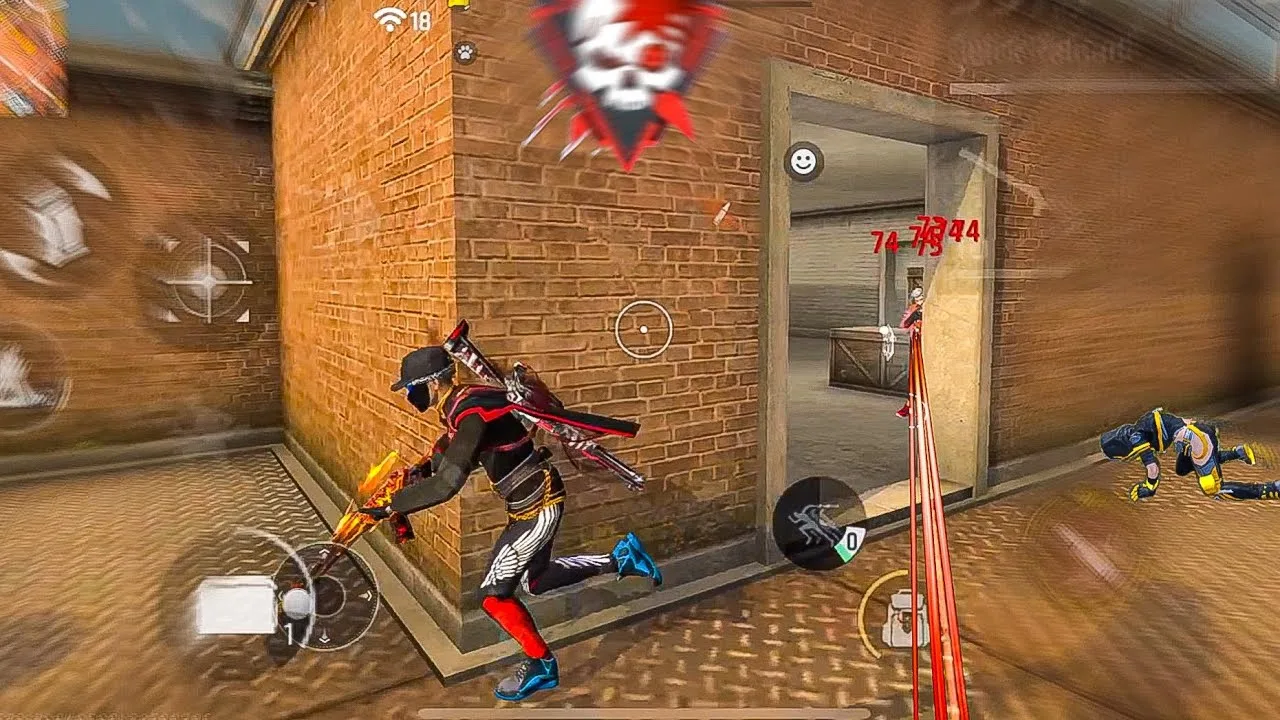
This FF Kipas Orange FAQ collects the questions users ask most often about installing the app, keeping it updated, handling permissions, choosing settings, and solving everyday problems, with short direct answers you can act on immediately.
Each answer also points you to the fuller guide for its topic, so this page works as both a quick reference and a map of everything else. If you are completely new, begin with the overview at FF Kipas Orange app for Android and return here whenever a specific question comes up.
Questions About Installing and Updating
New users most often ask whether installing is difficult and whether updates remove their settings. Installation is a short download, allow, and install sequence, and installing an update over the existing app normally keeps your data and choices in place.
For the full sequence with each prompt explained, follow the how to install FF Kipas Orange on Android guide. If anything in the process behaves differently on your phone, note exactly which step changed, because that detail makes every later answer far more accurate.
Questions About Permissions and the Panel
The most common permission question is why the panel does not appear after setup. In nearly every case the overlay permission was denied, skipped, or later switched off by the phone's battery manager, and granting it again restores the panel within seconds.
Users also ask whether the app needs every permission it requests. Each request connects to a visible function, such as displaying the panel or saving your settings, and you can review every current approval together in the app page inside Android settings.
Questions About Settings and Builds
Players ask which sensitivity and DPI values are best, and the honest answer is that the best values are personal: they depend on your screen, grip, and reflexes. Middle-range starting points, small changes, and training tests will find your values faster than copied numbers.
Build questions are similar. The main build suits most users and matches most guides, while the alternate build helps on particular devices. Switch only for a clear reason, record your settings first, and give the new build several proper sessions before judging it.
Questions About Lag and Problems
When the app lags, users ask whether the panel or their phone is responsible. Frame drops and stutter usually point to the device, storage, or heat, while delayed responses with smooth visuals usually point to the connection, and each kind has its own fixes.
For faults such as crashes, a missing panel, or settings that will not save, the FF Kipas Orange not working problems and fixes guide works through causes in order. Checking permissions and restarting the phone resolve a large share of reports before any deeper step is needed.
Questions About New Phones and Saved Settings
Moving to a new phone raises two questions: does the app work on it, and do settings transfer? Compatibility depends on the new device's Android version and hardware, while settings move safely only if you recorded them, since values rarely transfer by themselves.
Keep screenshots and a written list of your sensitivity, DPI, and overlay choices somewhere outside the phone. With that record, a new setup takes minutes, and this FAQ plus the linked guides will answer anything else the move raises.
Putting It Into Practice
Putting finding clear answers to everyday questions into practice works best as a short, repeatable routine rather than a one-time effort. Set aside a calm session where you are not chasing wins, work through the points in this guide in order, and check each result on your own phone before moving to the next one. Most users discover that the first careful pass already removes the biggest problems, because the issues behind finding clear answers to everyday questions are usually ordinary ones: a value changed without testing, a permission quietly reset, a phone short on storage, or a habit copied from another player whose device and grip are nothing like yours. Treat anything you cannot verify as unfinished, and verify it in training before you trust it in a ranked match where mistakes cost more than time.
Keep a small written record as you go, noting what you changed, what you expected, and what actually happened, because finding clear answers to everyday questions becomes far easier the second and third time when the first attempt is documented instead of remembered. Share the routine with patience as well: give every change at least a few normal sessions before you judge it, since first impressions on a new setup are often wrong in both directions, feeling worse than it is on day one and better than it is after one lucky match. Players who build this kind of calm, documented habit improve steadily and troubleshoot calmly, while players who change things in a rush keep meeting the same problems in new forms. The goal is a setup you understand well enough to rebuild, adjust, and trust without thinking about it during the moments that decide a match, and that confidence is worth far more than any single copied number or hurried shortcut you will ever be offered.
Final Thoughts
Most FF Kipas Orange questions have short, practical answers once the topic is named clearly: install carefully, grant the overlay permission, tune settings personally, and separate device problems from connection problems.
If you need the app itself or a fresh copy of the current build, it is available from the download page. Keep this FAQ nearby during your first weeks, and most of what puzzles new users will already be answered.